Collect from the student with a click, the receipt goes out on its own
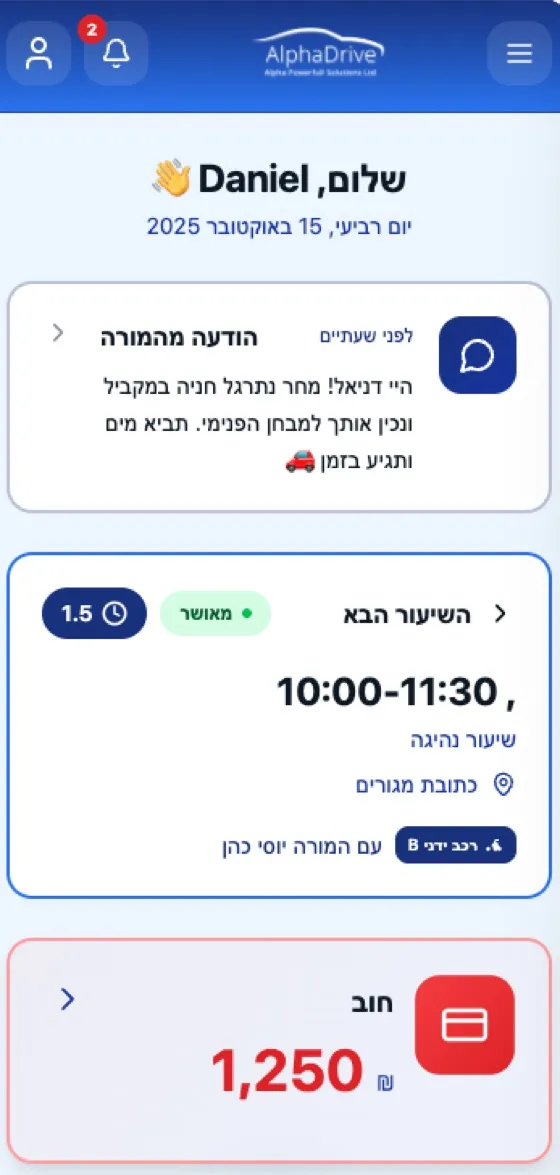
Payments sit right inside the schedule, not in a separate system. You finish a lesson, charge the student, and the document is sent to them, without typing numbers and without chasing anyone.
No commitment · Free trial · Cancel anytime

The touch your business needs: mobile-to-mobile payments
Safer, more accessible, and saves on business expenses
"I finish a lesson, then I have to remember to collect payment and issue a document"
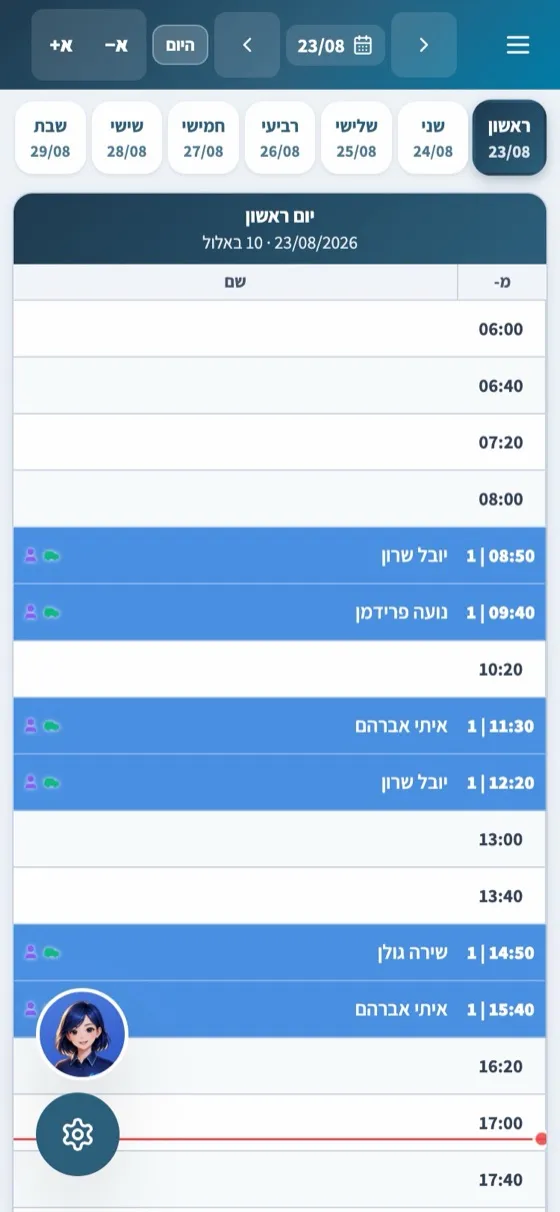
Charge right from the schedule, at the end of the lesson
Finish a lesson in your schedule and collect payment on the same screen. A receipt or tax invoice-receipt is generated automatically and sent to the student.
"The student isn't with me right now, and I don't want to call"
Payment link via SMS or WhatsApp
Send a link to the student or parent, and the payment is made on a secure payment page, without a phone call and without a terminal.
"I want the student to pay on their own, whenever it's convenient"
Payment from the student app
The student pays from the app whenever it's convenient, using Apple Pay or Google Pay. The document is sent immediately, and the payment is recorded in their student profile.
"I don't want to carry a card reader in the car"
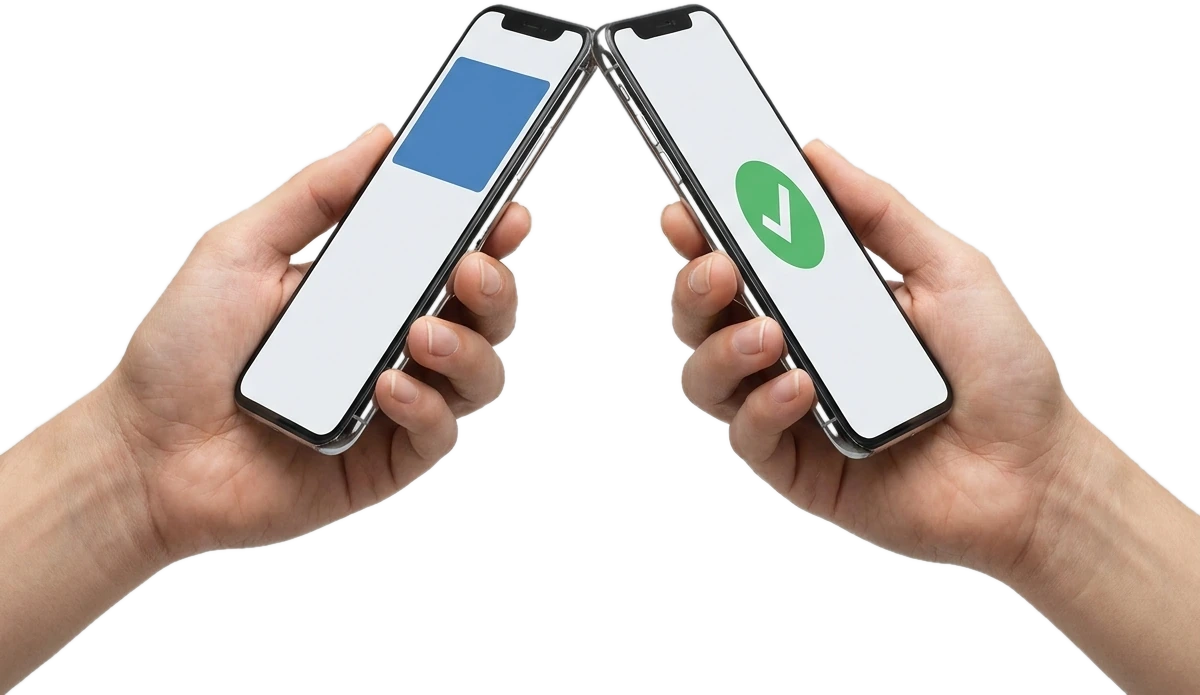
Phone-to-phone payments
The student taps a card or digital wallet to the instructor's phone. The charge is approved in seconds and the receipt is issued automatically, without typing and without an extra payment terminal in the car.
Payment processing terms, costs, and fees
Who the payment processing provider is, how the account is opened, transfer dates, credit notes and refunds, and which documents are generated.
Collect from the student with a click, the receipt goes out on its own
Get a free personal demoWho is this for?
Built especially for you
Independent instructor
Collect payment in the car at the end of the lesson, with no card reader and no typing card numbers
Driving school
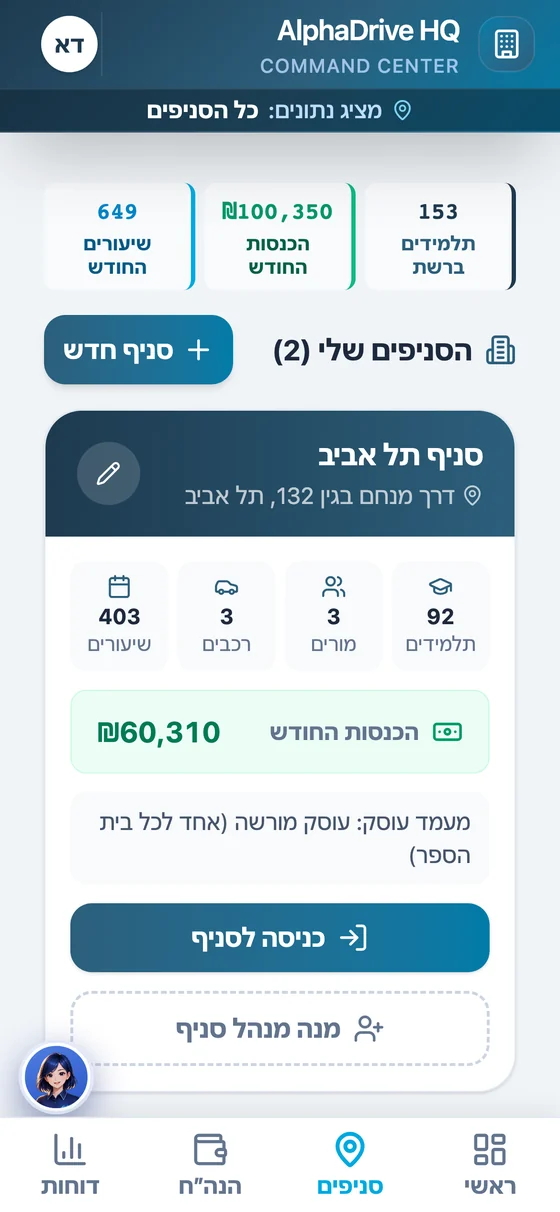
All payment collection for all instructors in one place, with a document for every payment
Student and parent
Pay from the app or a link, and receive the document immediately
How do we start?
3 simple steps, in minutes
Request payment processing from the system
In one click, with no manual forms and no card reader
Grow sets up your business account
An onboarding form is sent via SMS to the driving school owner
Payment processing is activated
Once approved, collect payments from your schedule, a link, or the app
FAQ
Who actually processes the payments?
When does the money reach the account?
What documents are generated?
What are phone-to-phone payments?
How does tap-to-pay actually work?
How do you join the tap-to-pay service?
Which devices support tap-to-pay?
Can tap-to-pay be used on multiple devices?
Is there a transaction limit for tap-to-pay?
How much does mobile-to-mobile payment cost?
More from the platform
All products work together with built-in AI, no setup and no integrations



Collect from the student with a click, the receipt goes out on its own
Payments sit right inside the schedule, not in a separate system. You finish a lesson, charge the student, and the document is sent to them, without typing numbers and without chasing anyone.