A student who sees the intersection before the driving test arrives prepared
Import any intersection from Google Maps or build one yourself. Add vehicles and traffic signs, play an animation, and let the student see exactly what happens. Perfect for driving test preparation, the classroom and the field.
No commitment · Free trial · Cancel anytime
Available now on


How it looks
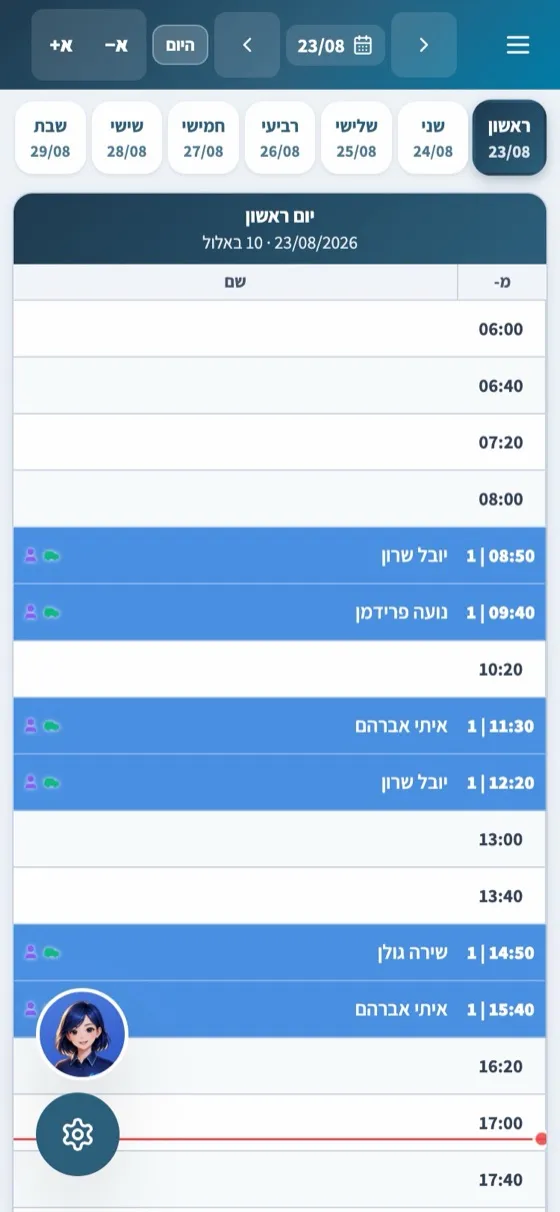
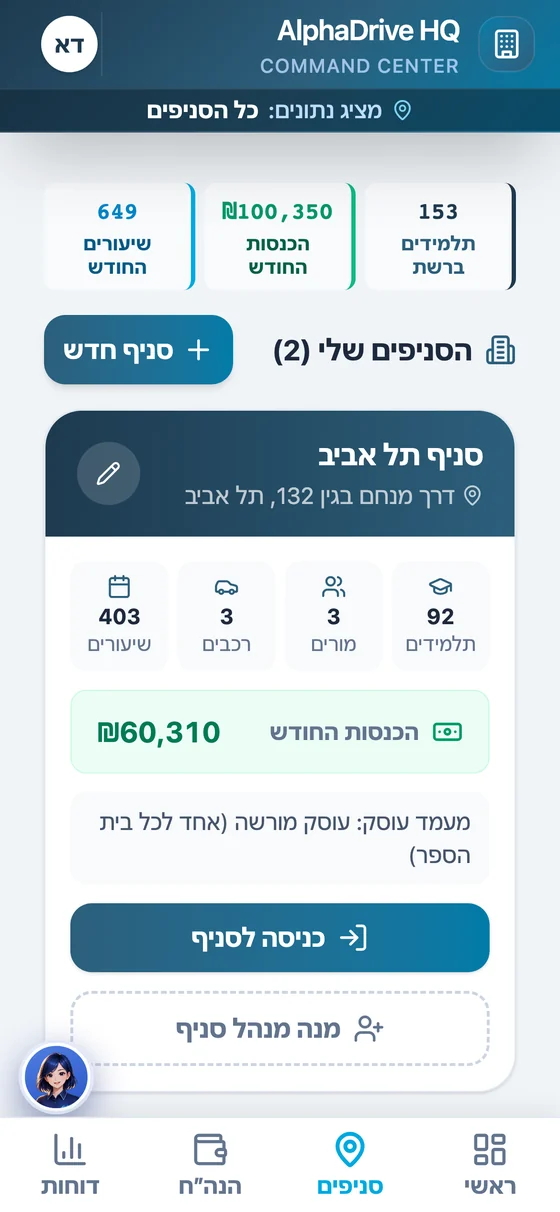
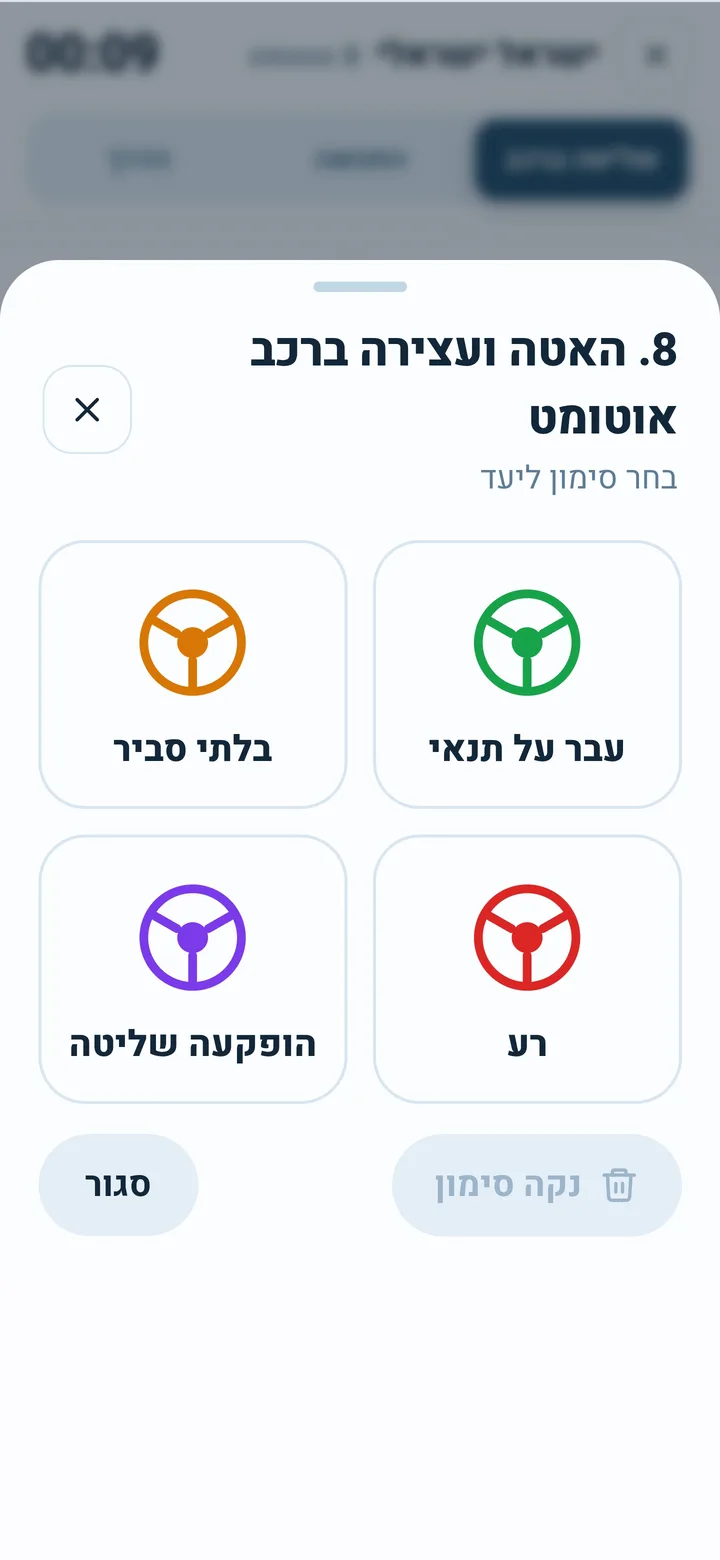
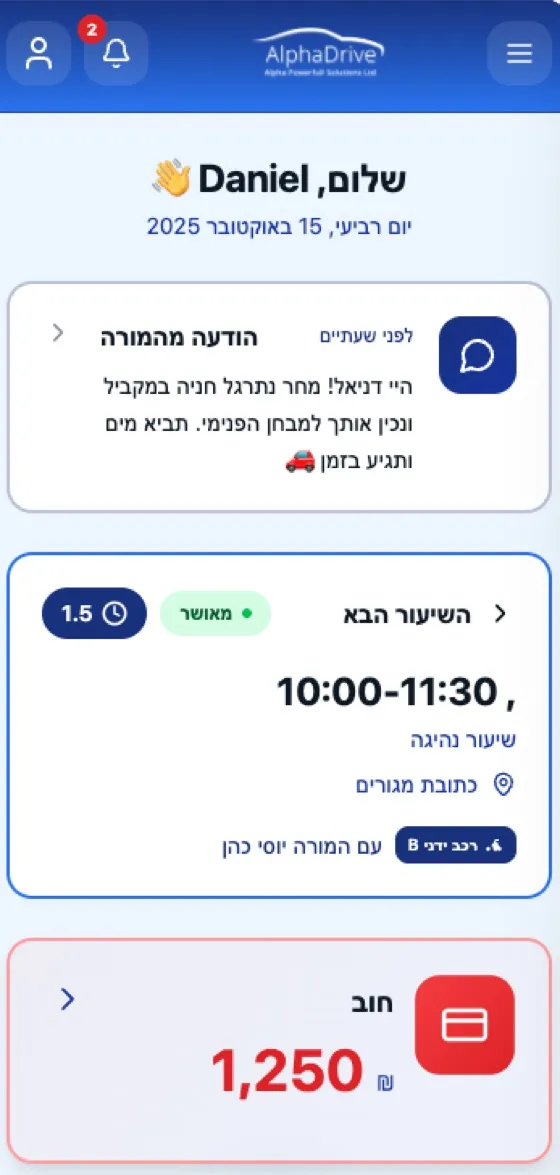
Screens from the product, with demo data.
"I want to show the student the driving test intersection before we get there, and I have no way to do it"
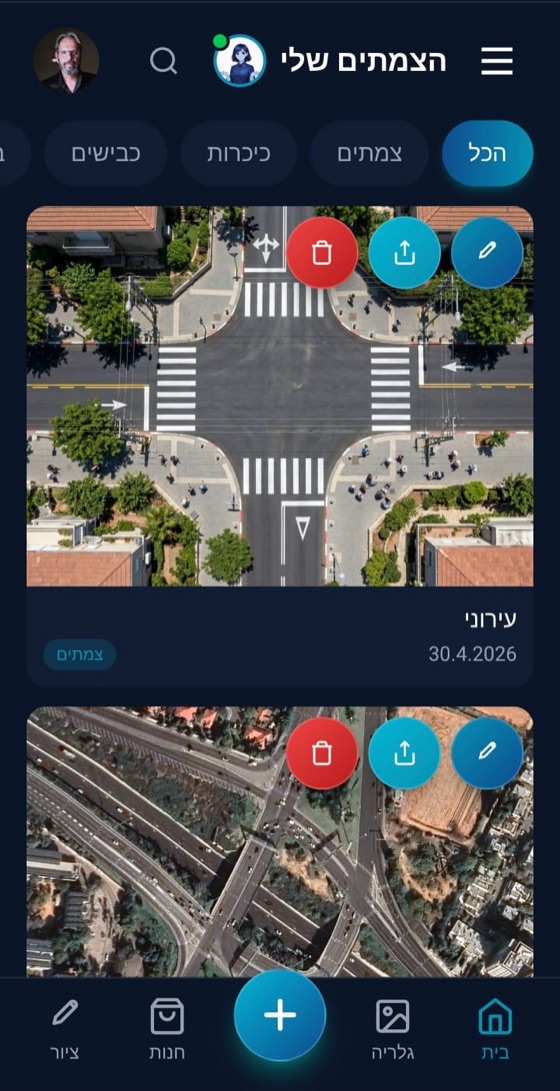
Import real intersections from Google with a click
Type an address or choose a location from the map, and the real intersection appears with the roads, sidewalks and traffic signs. Practice with the student on the screen before reaching the field. No need to build from scratch.
"I try to explain to the student what happens in the roundabout and I have no way to show them"
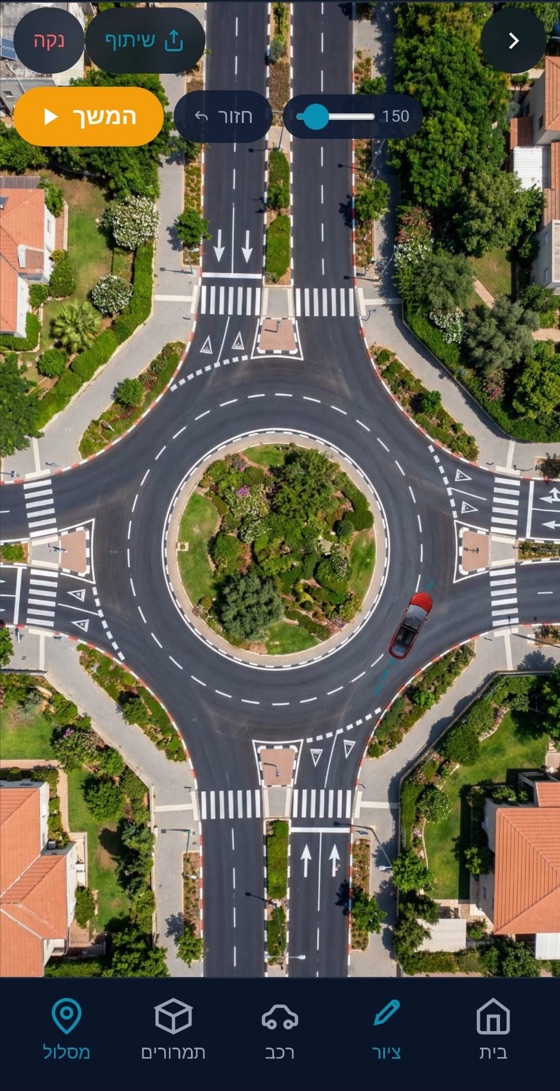
Build any type of intersection: roundabout, traffic light, crosswalk
Want a custom intersection? Build it yourself. Add roads, sidewalks and traffic signs. The student sees everything from a top-down view and understands exactly what is happening, instead of you explaining with your hands.
"Every time I explain right of way, the student gets confused"
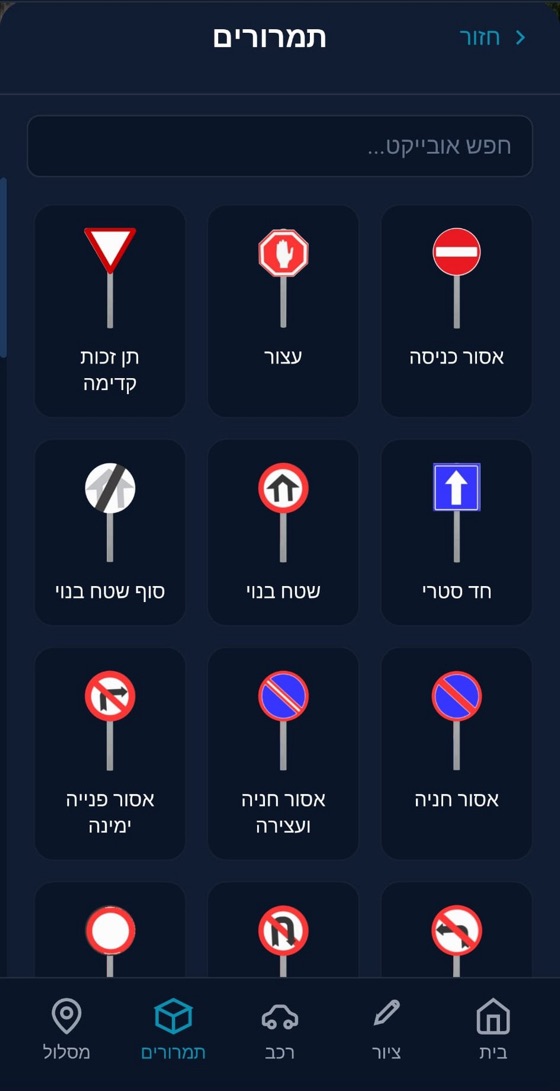
Full traffic sign library: drag and drop
All Ministry of Transport traffic signs are available with a click. Drag a sign to the road, rotate it, and show the student exactly what each sign means. Quick search by name.
"I wanted to show the student how a bus behaves at an intersection, but I didn't have the tools."
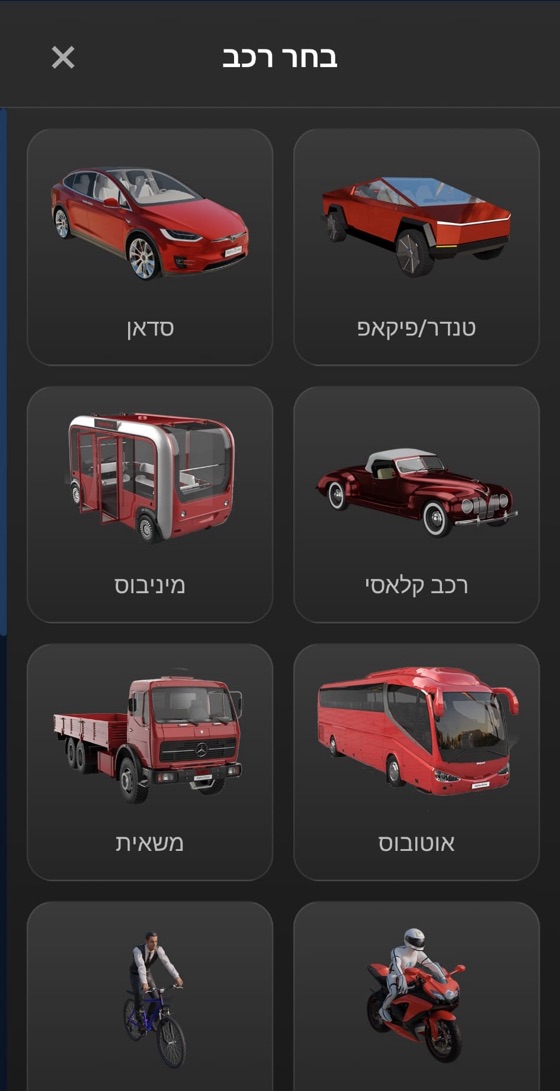
Vehicles of all types: from a private car to a truck
Choose a vehicle from the library: private car, pickup truck, bus, truck, motorcycle, bicycle and more. Place it in the intersection and play an animation showing its path.
Practiced an intersection on the screen? Now send the student a lesson reminder.
In the student app: lesson schedule, payments, digital signature and automatic reminders. Everything is synced with the system.
A student who sees the intersection before the driving test arrives prepared
Start a free trialWho is this for?
Built especially for you
Independent driving instructor
Imports the driving test intersection, practices with the student on screen, and drives.
Driving school
Theory lessons in the classroom with a big screen and live simulations.
Motorcycle driving school
Visualizing unique road situations for two-wheelers.
How do we start?
3 simple steps, in minutes
Import an intersection or build one
Type an address to import from Google, or build an intersection from scratch: roundabout, T-junction or straight road
Add vehicles and traffic signs
Drag and drop from the library. Place, rotate, and edit.
Run simulation
Click 'Continue', and the vehicles move and show the traffic in real time
FAQ
Can I import real intersections from Google?
Does it work on a phone?
How many intersections can I build?
Is the simulation suitable for teaching right of way?
Can I share intersections with other instructors?
Are the traffic signs up to date?
How much does it cost?
Can I cancel at any time?
More from the platform
All products work together with built-in AI, no setup and no integrations

A student who sees the intersection before the driving test arrives prepared
Import any intersection from Google Maps or build one yourself. Add vehicles and traffic signs, play an animation, and let the student see exactly what happens. Perfect for driving test preparation, the classroom and the field.
Download for free on mobile